
A living companion
Choose the riding animal and situation, then give it one harmless disagreement. A snack, a pause or a few sideways steps can show its personality without putting the party at risk.
DM & session
One harmless pause.
A sensible animal reason.
A kind way onward.

A companion with an opinion
Prepare a warm or funny pause with a reason and patient responses.
Choose the riding animal and situation, then give it one harmless disagreement. A snack, a pause or a few sideways steps can show its personality without putting the party at risk.
Explain the mount’s reason, read the moment aloud and offer kind ways to coax it onward. Keep any delay brief and the mount and rider together and unharmed.
Harmless behaviour
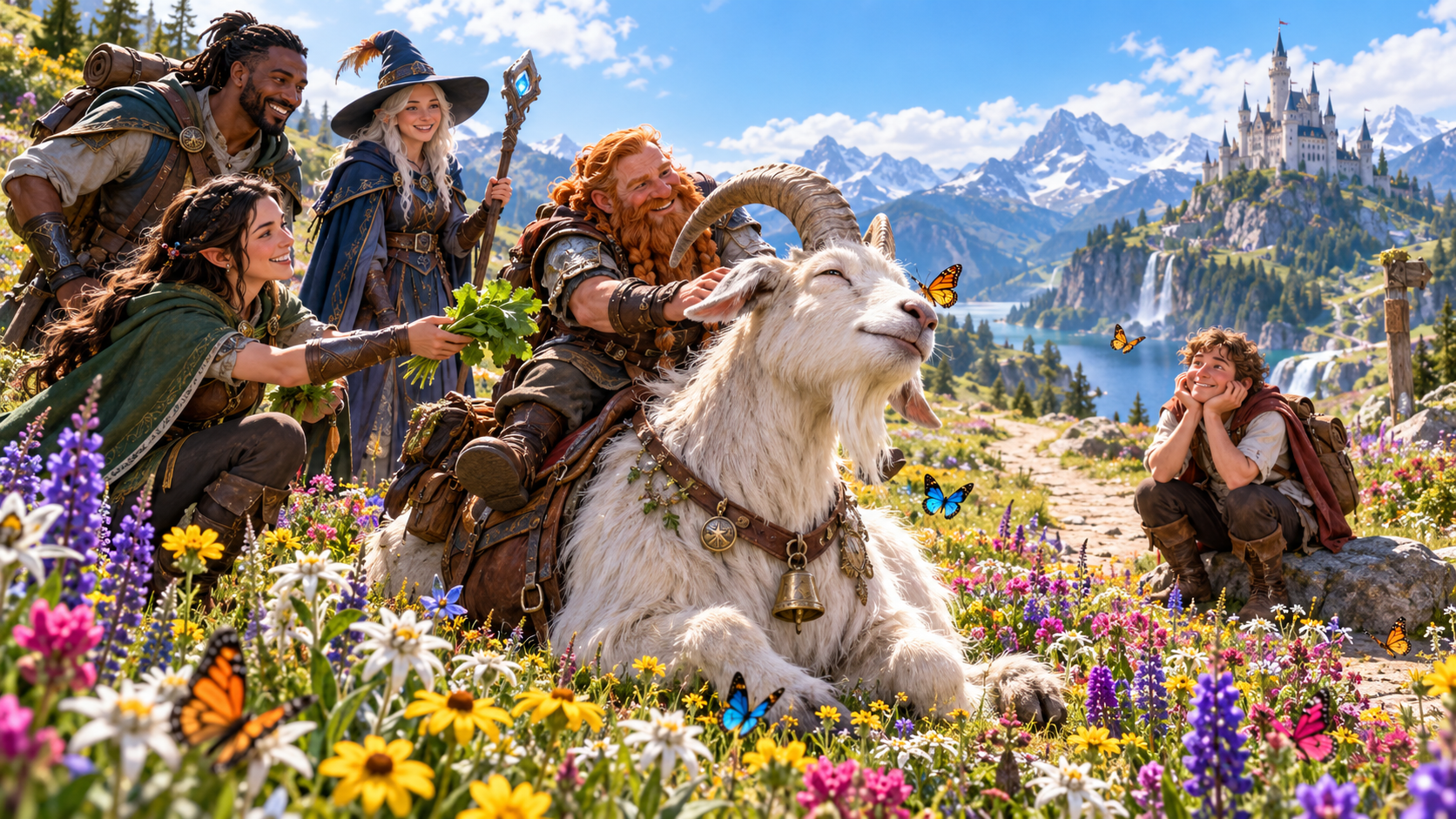
A giant goat settles among meadow flowers and watches butterflies. Its seated rider and companions offer greens and patient attention, with a castle beyond the valley.
Choose the mount’s harmless action and current mood. Give its pause an understandable animal reason and several kind responses your party can try.
What you can create
Keep the small delay clear, safe and easy to use.
Prepare a moment for a horse, pony, mule, donkey, camel, riding lizard or giant goat. Describe the rider, scene and situation.
Let the mount refuse, sit down, stop for a snack, wander sideways or take a few steps backward. Keep the disagreement brief and safe.
Explain the animal’s own reason for pausing. Its mood and personality make the moment feel like part of the journey.
Use a table-ready line to introduce what the mount does. Copy the moment with that line first when you bring it to the table.
Offer patient responses that suit the animal and its reason. Give the party a warm or funny pause and ways to get moving again.
Include any short delay in the result while keeping the mount and rider together and unharmed. The moment adds character to travel.
Add the mount’s name, personality, reason, kind coaxing options, things to avoid and private Dungeon Master context.
Review, edit, lock or reroll the moment. Adjust its tone and details before using the read-aloud line or sharing the player-facing view.
Save moments to your signed-in account. Reopen, rename, duplicate, search, tag, annotate or delete records and return to earlier variations in a twelve-version history.
Choose full Dungeon Master or player-facing material, copy the table-ready moment, download its structured record or print it.

Prepare the moment
A turquoise riding lizard pauses beside a jungle fruit stall. A companion offers a mango while the rider stays seated and the group gives the animal time.
Describe the scene and rider, then choose mount, situation, harmless behaviour and tone. Review the generated mood, action, reason, read-aloud line and kind coaxing options.
Quick or detailed preparation
Use the animal’s personality to guide the moment.
Describe where the party is travelling and who is riding. Select a horse, pony, mule, donkey, camel, riding lizard or giant goat and the current situation.
Pick a harmless refusal, sit, snack stop, sideways wander or backward steps. Set the tone for a warm or funny moment at your table.
Name the mount if useful and describe its personality. Shape its reason and kind coaxing options, list things to avoid and add private Dungeon Master context.
Edit, lock or reroll the result and choose what to share. Add one clearly labelled rule suggestion when helpful, then use the read-aloud line and patient responses.
A kind way onward
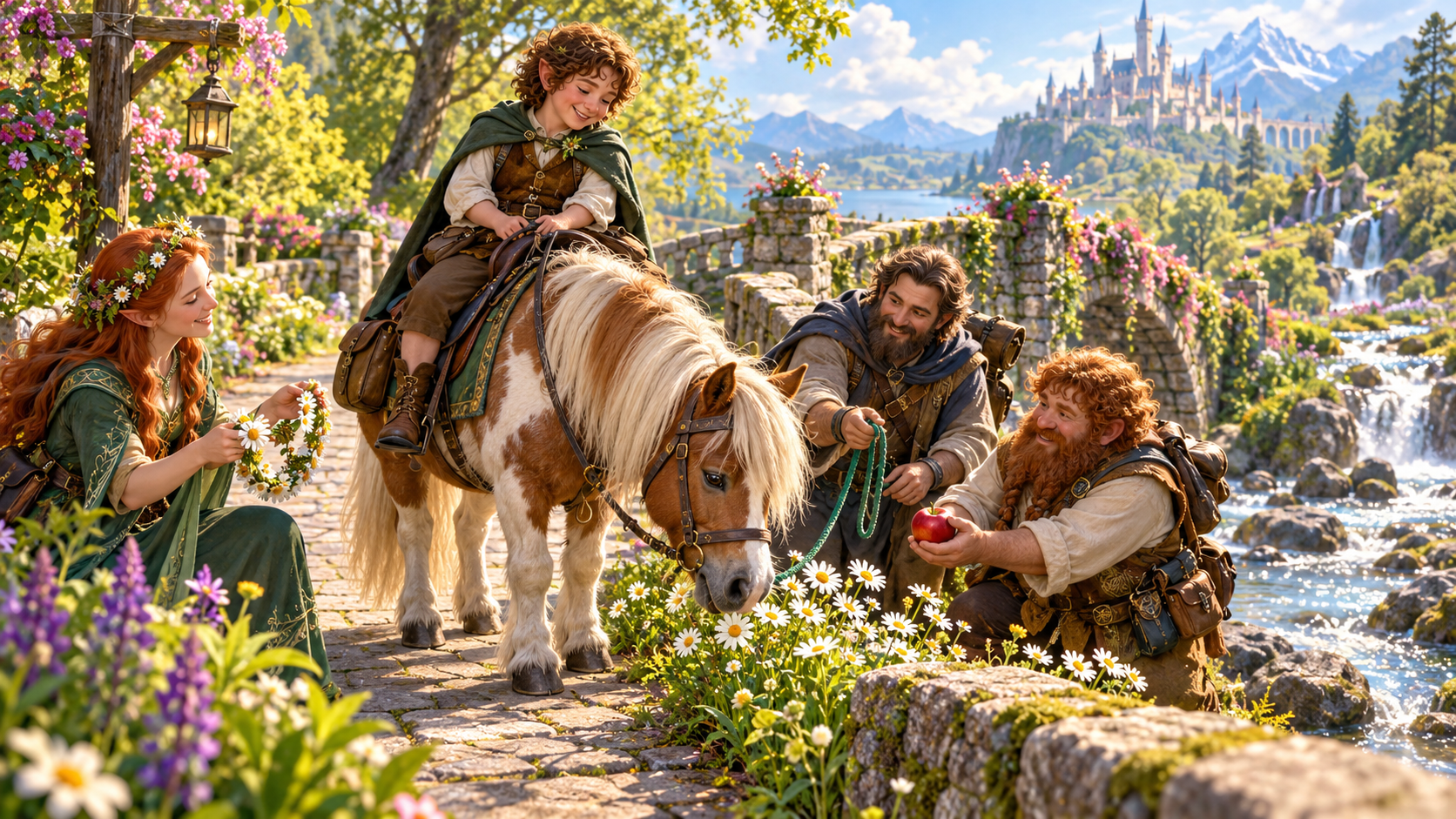
A pony noses daisies beside a woodland village path. Its rider remains seated while companions offer an apple, flowers and patient encouragement.
Use the ready line to introduce the moment, then offer the generated kind coaxing options. Keep the delay short and let the mount remain a companion on the journey.
Keep and share the moment
Save variations and choose the material your table needs.
Save moments and reopen them when preparing a journey. Rename, duplicate, search, tag, annotate or delete records to organise your collection.
A twelve-version history keeps earlier variations available. Review, edit, lock and reroll as you shape the moment for the rider and situation.
Copy the table-ready moment with its read-aloud line first. Choose full Dungeon Master material or the player-facing view before sharing.
Download the structured record or print the result. Keep the mount’s mood, behaviour, reason, kind responses and any brief delay together.
Your workspace and related products
Open VISINVOKE products through your account.
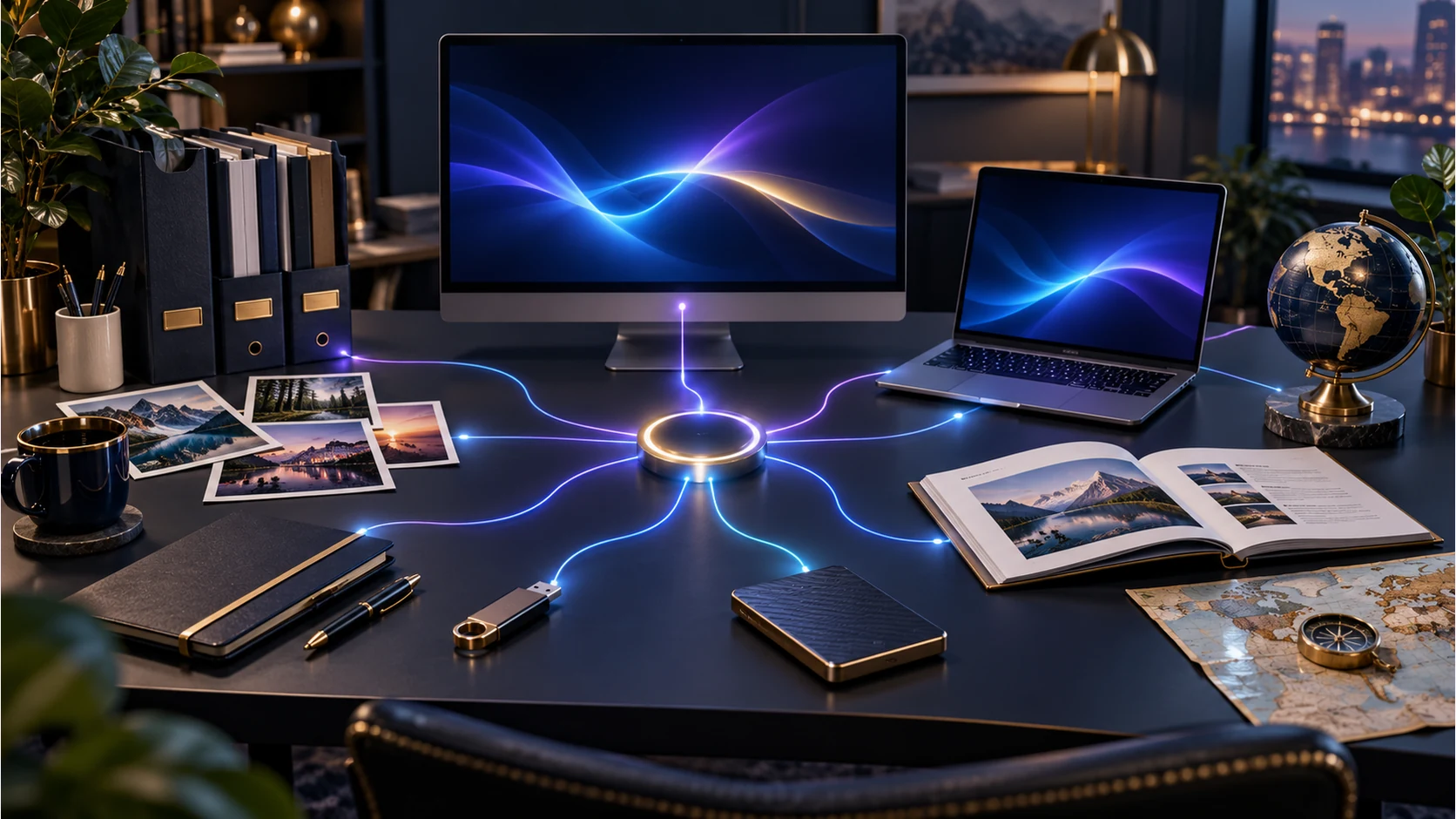
Open Mount Misbehaviour in the Generators collection of your signed-in desktop workspace. Prepare, revise, save and export the moment from the same product home.
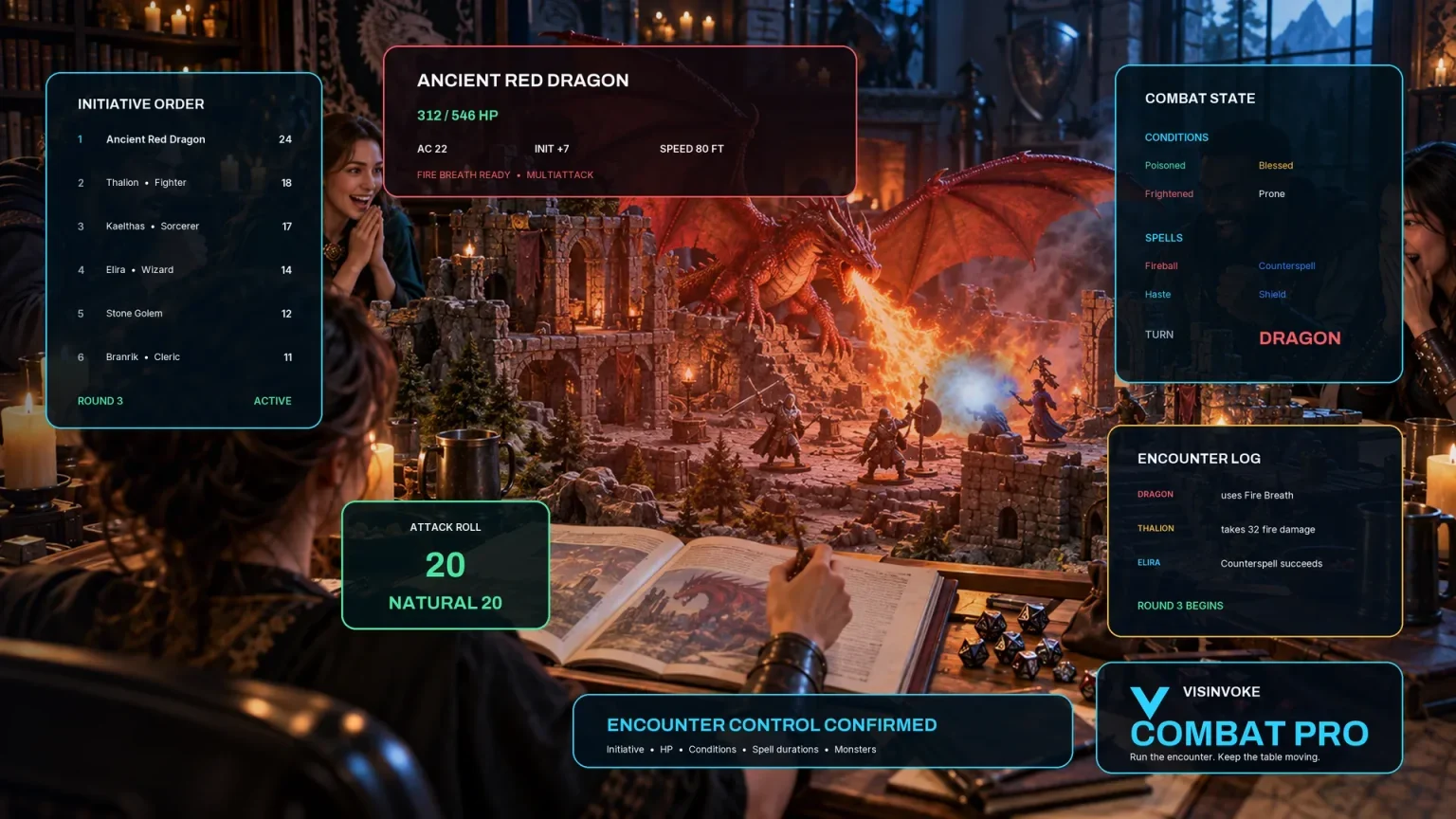
Use the separate encounter workspace when preparing combat for your table. Mount Misbehaviour keeps its own brief riding-animal moment harmless and sends no result to Combat PRO.
Images are product illustrations. The mount moment keeps animal and rider safe, together and unharmed.
Questions and answers
Choices, preparation, account records and sharing at a glance.
One brief, harmless disagreement with a riding animal: its mood, action, sensible reason, a ready read-aloud line, kind coaxing options and any short delay. It also provides player-facing material and private Dungeon Master notes.
Choose a horse, pony, mule, donkey, camel, riding lizard or giant goat. Give it a harmless pause such as refusing, sitting, stopping for food, wandering sideways or taking a few backward steps.
Describe the scene and rider, then choose the mount, current situation, harmless behaviour and tone. Generate the moment and review it for the journey you are running.
Name the mount, describe its personality and shape its reason and kind coaxing options. Add things to avoid and private Dungeon Master context. Request one clearly labelled rule suggestion when useful.
Save to your signed-in account and reopen, rename, duplicate, search, tag, annotate or delete moments. A twelve-version history keeps earlier variations. Copy with the read-aloud line first, choose Dungeon Master or player-facing material, download the structured record or print.
Create a free VISINVOKE account or sign in, get Desktop Control Centre through your account installer page and open Mount Misbehaviour in its Generators collection. View current subscription details in your account.
Continue in VISINVOKE
Create a free VISINVOKE account or sign in to your existing account. Get Desktop Control Centre through your account installer page.
Open Mount Misbehaviour in the Generators collection. View current subscription details in your account.